Steps to get started
To get started with your Harv app, please follow the steps outlined below. Once logged in, you can securely access your personal data and account information.
1. Tap on "Continue with Google"
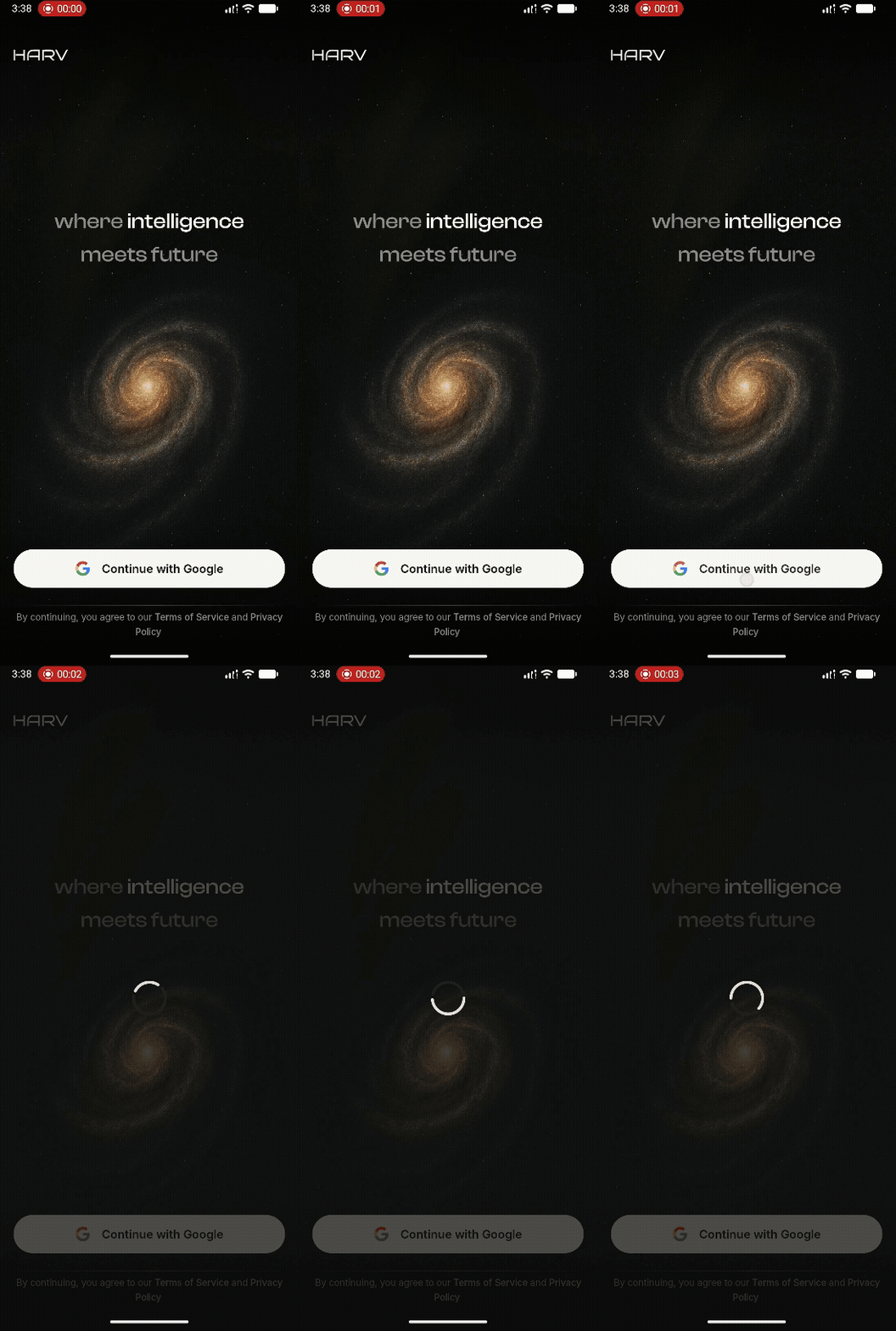
Look for the Google button on the onboarding screen. It is labeled as "Continue with Google".
2. Select your Google account

A new browser window will pop up where you’ll be asked to choose your Google account.
3. Grant permissions
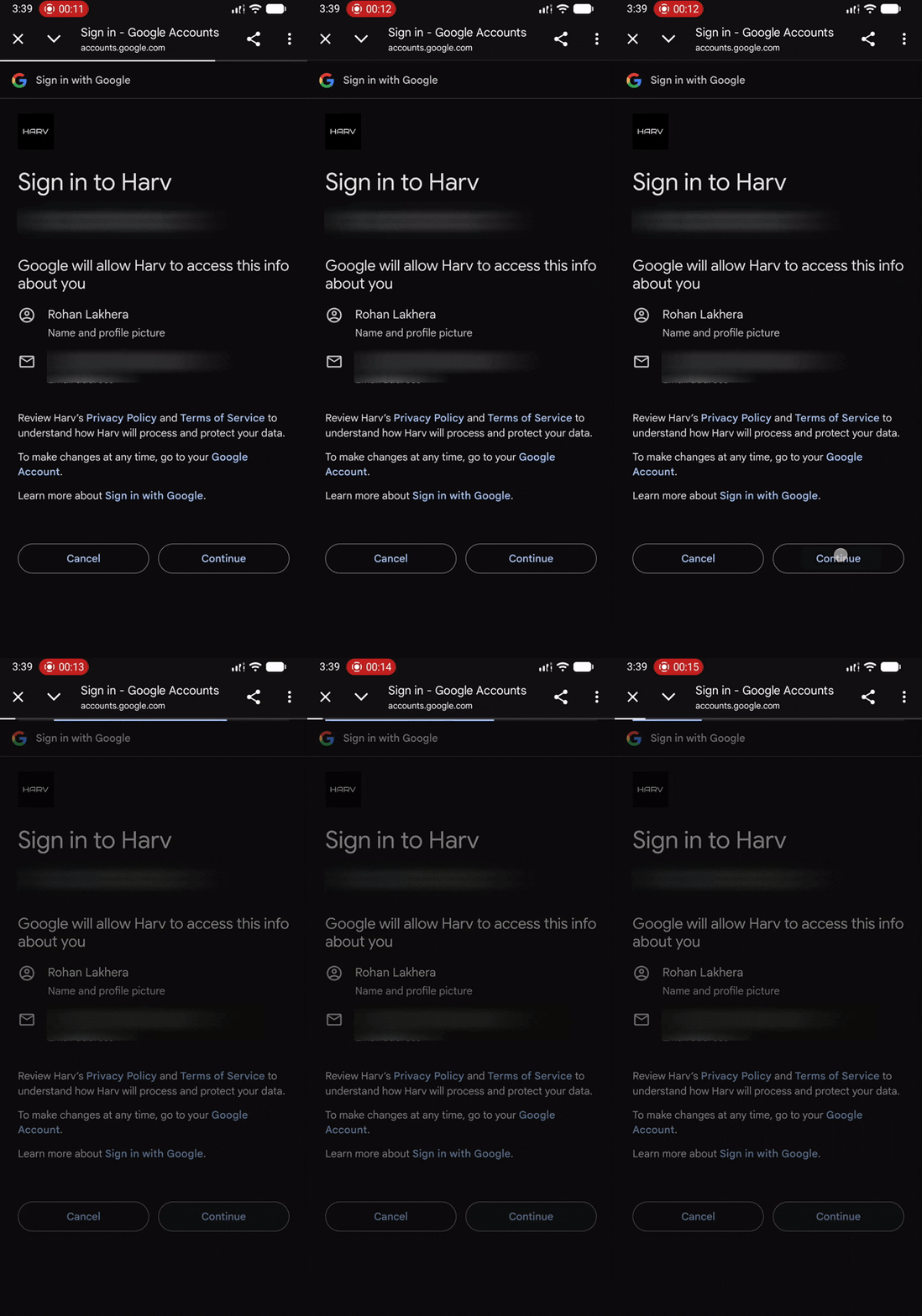
A screen will appear asking you to allow the app to access your basic Google profile information (like name and email address). Tap "Continue".
4. Complete the login
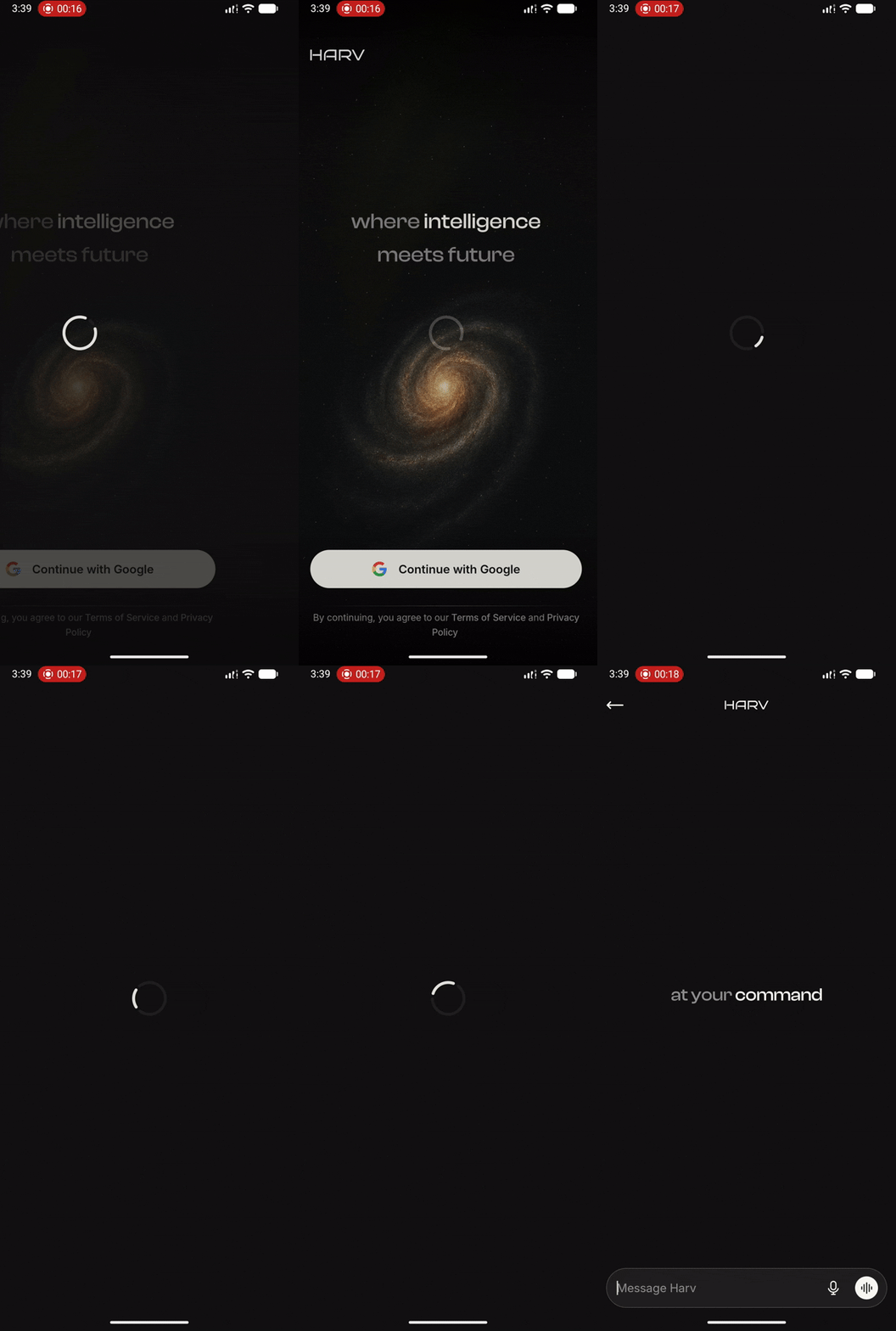
Once you approve the permissions, the browser window will close, and you'll be redirected back to the app. You are now logged in and ready to use the app.